
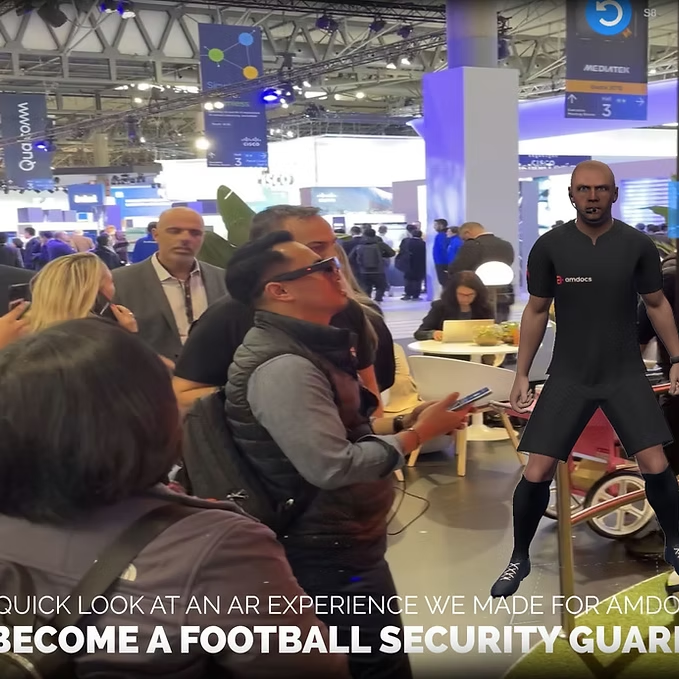
How do you turn learning content into something people can try?
AR & AI learning tools
Connect printed material, equipment or a screen with visualization and practice. Augmented reality (AR), play and AI conversation are selected around the task the learner needs to perform.
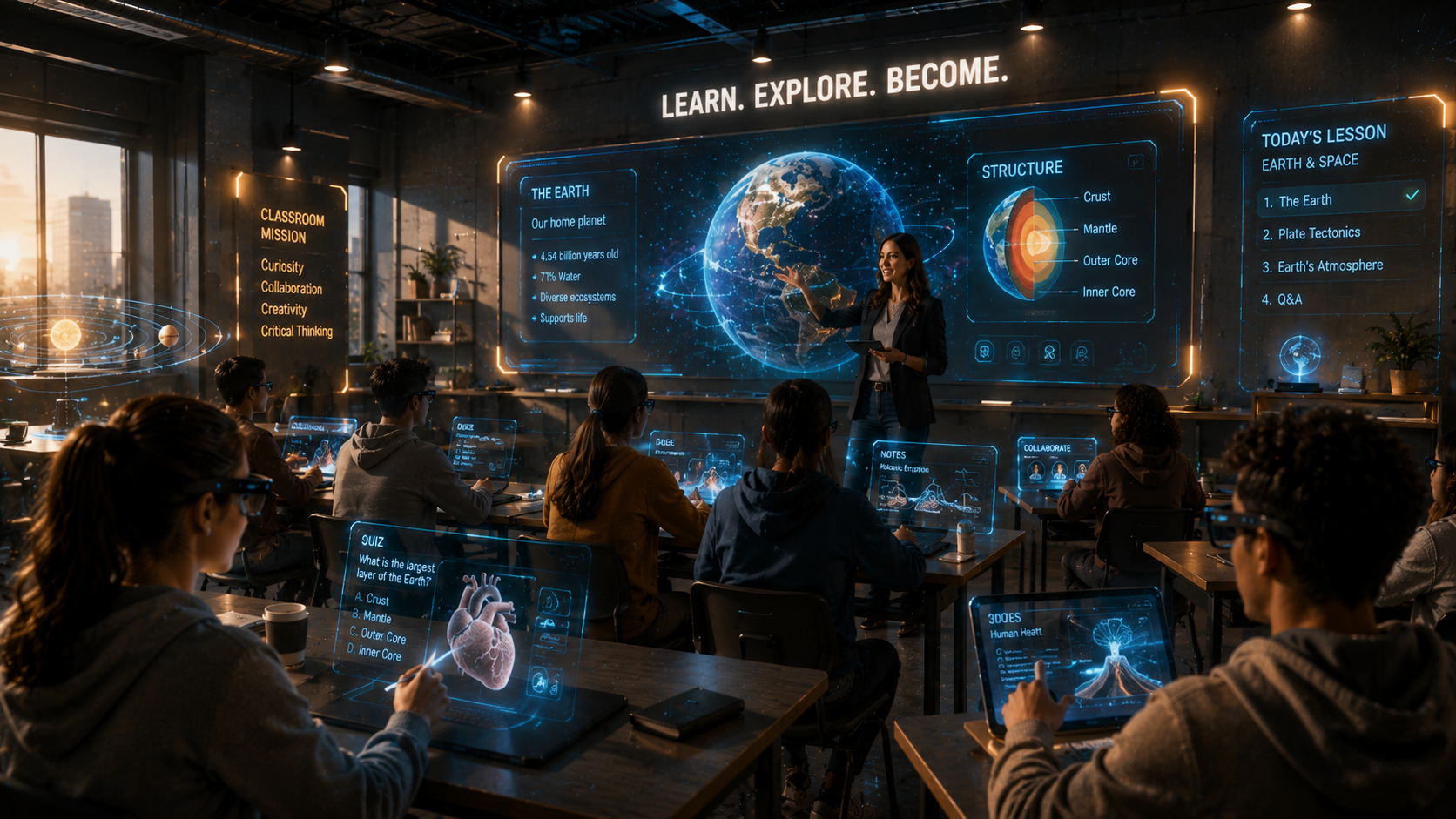
The challenge
Even well-presented knowledge needs practice. Plan what learners will do, what feedback they receive and how they will use that knowledge again.
What can we build?
Develop AR units for existing materials, scenarios and tasks with choice and feedback. AI conversation can be added around a defined body of content.
How do we start?
Choose one learning unit, define a task and test it with users before expanding.
What could become part of
your experience?
AR for printed materials
Practice and game units
Learning visualizations and scenarios
Content structure and management planning
What role can AR play here?
Scanning a page or object can open a model, animation or task connected to the learning material.
Explore augmented realityHere is one way it could work.
Scanning a page opens a visualization, invites an action and returns an explanation connected with the book.
An illustrative development possibility, not a claim of a completed project.How can the experience be evaluated?
We check whether learners can start, complete the task and understand the feedback. Learning data follows the specification.
Questions along the way
Is a management system included?
Its scope is defined around update frequency, content quantity and editors. A focused initial solution is possible.
Can existing content be used?
Yes. We assess sources, rights and quality, then identify suitable material for visualization or practice.
What would you like people to be able to do?
Choose one learning unit, define a task and test it with users before expanding.
Explore a first learning unit